使用astro搭建github pages
踩坑笔记
··1 min read
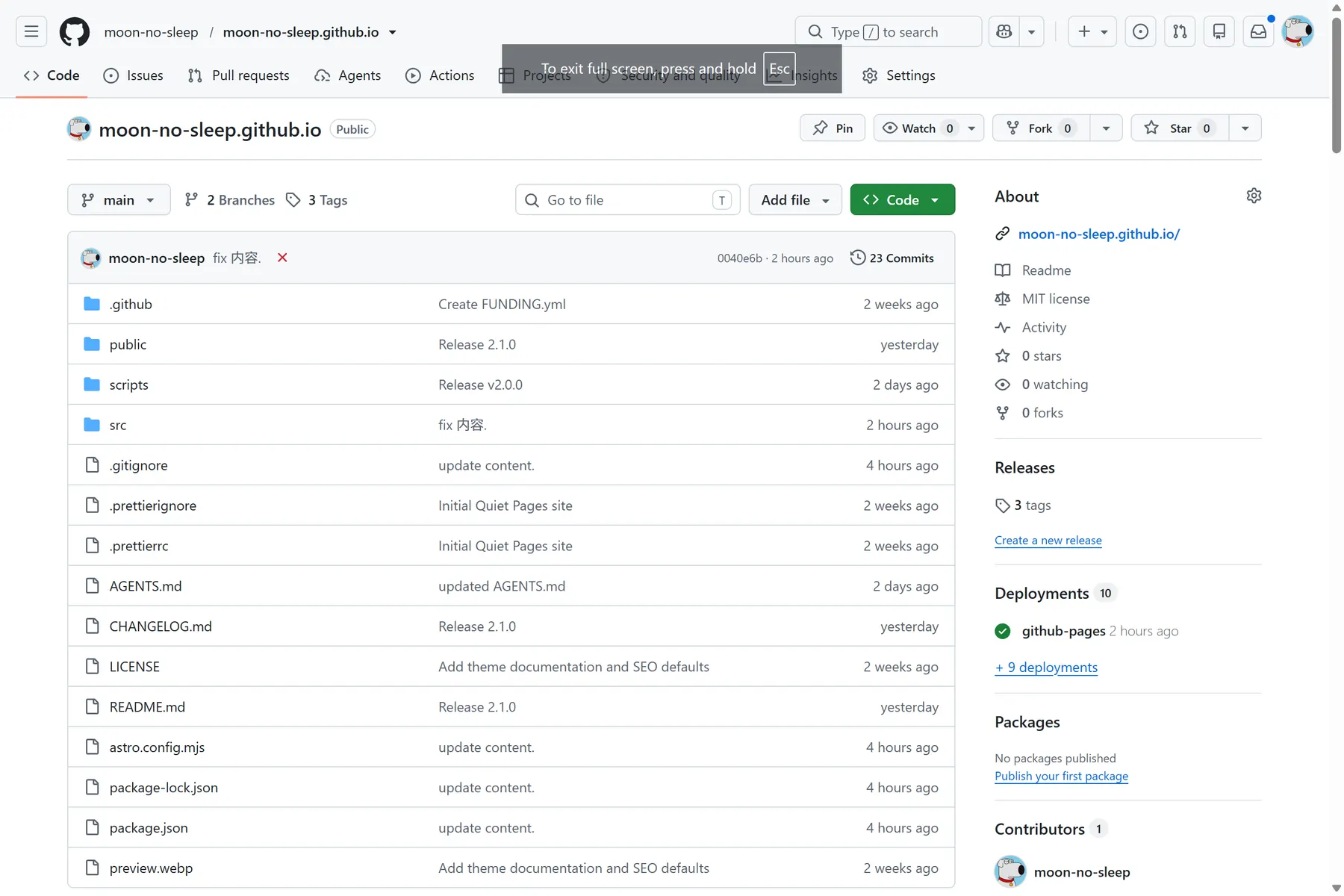
如何搭建 github pages?
1. 带_前缀特殊文件夹处理
编译后的文件夹名称, 带_前缀, 比如 _astro .
github pages 自带jekyll编译, 不解析带_的文件夹.
– 新增 .nojekyll 文件, 防止不解析带_的文件夹.
type nul > dist/.nojekyll
mdx中需使用 ` ` 包裹
_, 或者反斜杠\转义.
2. branch gh-pages 同步工具
快速上传编译后的dist文件夹, 使用gh-pages工具.
-
安装
npm install gh-pages -
使用 配置package.json, 增加 deploy 脚本
"deploy": "gh-pages -d dist --dotfiles"
因为需要上传.开头的文件, 命令中需要 –dotfiles
3. git代理设置
win11的git 不使用系统的代理, 需要设置git代理.
git config --local http.proxy http://127.0.0.1:1080
git config --local https.proxy http://127.0.0.1:1080

git config --global http.proxy http://127.0.0.1:1080
git config --global https.proxy http://127.0.0.1:1080

git config --unset http.proxy
git config --unset https.proxy

git config --global --unset http.proxy
git config --global --unset https.proxy

# 查看是否配置成功
git config --global --get http.proxy
git config --global --get https.proxy

# git上传
git push
4. npm代理设置
set HTTP_PROXY=http://127.0.0.1:1080
set HTTPS_PROXY=http://127.0.0.1:1080
编译流程
1. npm run build
2. npm run deploy
Closing
https://moon-no-sleep.pages.dev/
End!
Comments
Hook this up to your favourite commenting platform — Giscus, Disqus, or your own.
Continue reading